For families
A portrait for someone you love,
ready for the stone.
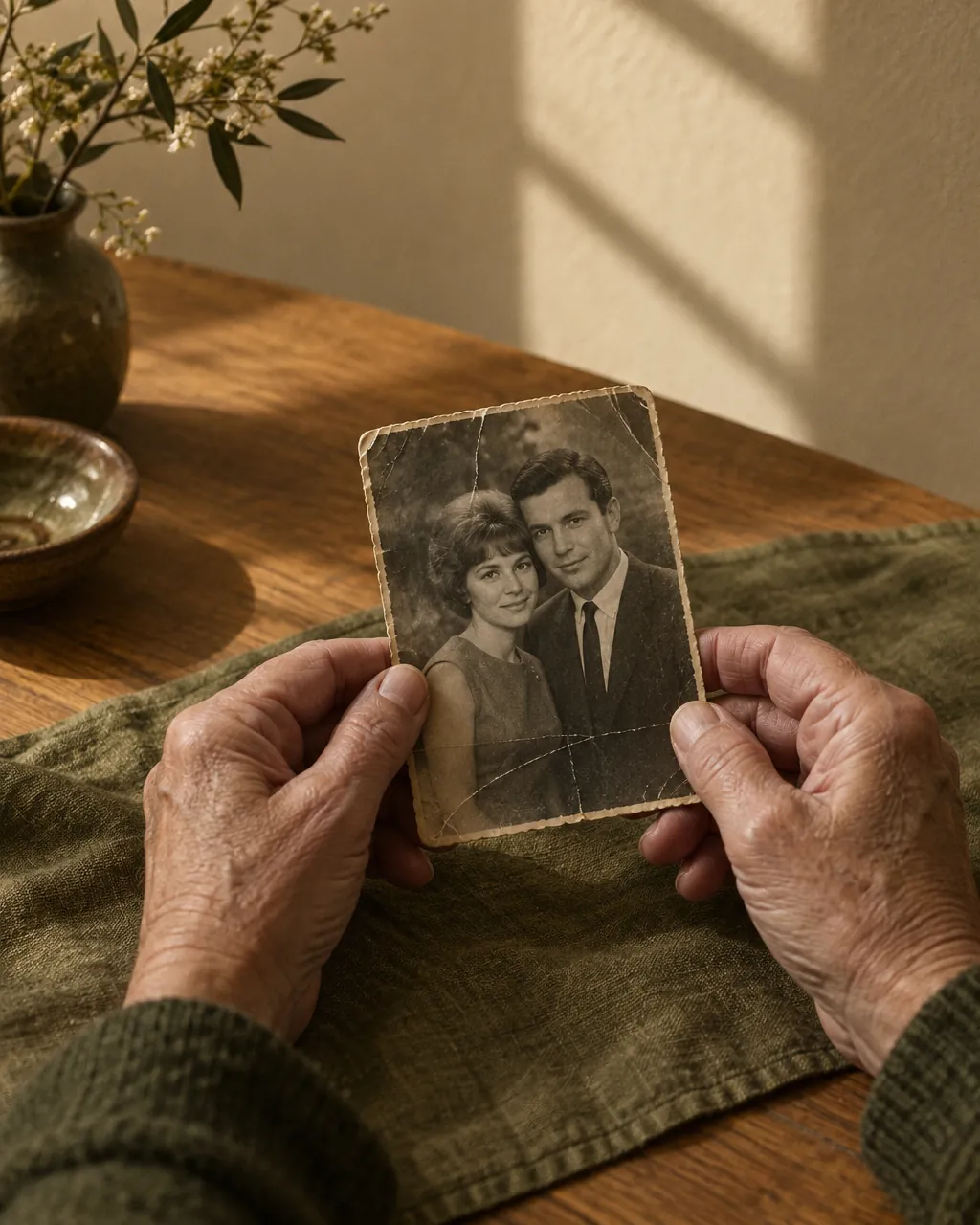
The photo you have may be old, creased, or taken in hospital. Prepare it here, see how it will look on the stone, and hand your memorial company a file they can etch straight away.
You don’t need to know anything about lasers or granite. Choose what you’d like changed, and we prepare the rest. Take your time; nothing is final until you say so.
How it works
Most families finish in one sitting. Your memorial company does the etching, as they always do.
- 01
Add a photo
A print you’ve scanned or photographed, or a picture from your phone. Add a second photo to put two people together.
- 02
Choose what to change
Repair scratches and fading, remove glasses or an oxygen tube, a suit or a blouse, a plain background or a favourite place.
- 03
See it on the stone
Pick the shape and size your memorial company quoted. You’ll see how the portrait will look on black granite.
- 04
Share and send
Send a link to the rest of the family to approve, then give the files to your memorial company.
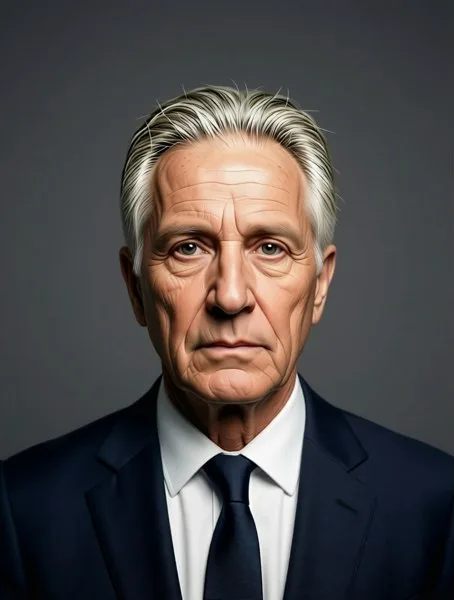
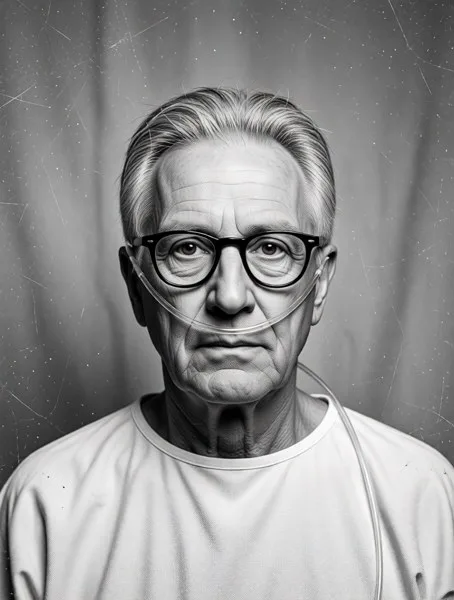 SuppliedEdited
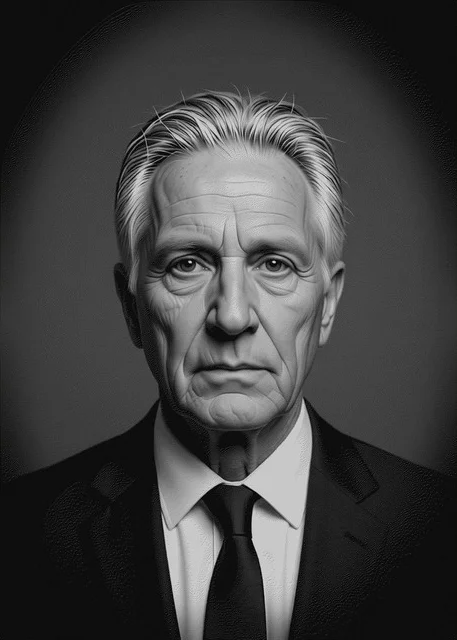
Gentle edits that keep their face
Every change is made one step at a time and kept beside the original, so you can see that it still looks like them. If something isn’t right, run it again or go back.
What you take to your memorial company
A file ready to etch
At the right size and resolution for their laser, in the format their software expects.
A colour version
For a porcelain or ceramic photo plaque, if that’s what you’ve chosen.
A proof with your approval
A printable sheet showing the original, the edited portrait and the stone preview, signed by the family.
One portrait
$19 one time
Unlimited edits, the stone preview, every file and a link to share with your family. Your first portrait is free.
Prepare a portraitNo subscription. No card needed to start.
Questions families ask
Are you a monument dealer or etcher? See plans for businesses.
Do I need a laser or any software?
No. You prepare the portrait here and download the files. Your memorial company etches it on their own machine.
Will my memorial company accept the file?
The main file is a standard grayscale image at the final size, the kind laser etchers work from every day. If they prefer to do the last adjustments themselves, they can use the edited photo instead.
Can I combine two photos of my parents?
Yes. Add one photo of each person and choose “Put both people together”. You can then add a background or make it black and white.
Are my photos private?
Yes. They’re stored privately in your account, only used to make your edits, and never used to train AI. Delete the portrait and the photos are deleted too.
What if the face doesn’t look right?
Every edit is kept beside the original. You can run it again, try a different edit, or go back to an earlier version. Nothing is sent anywhere until you choose.
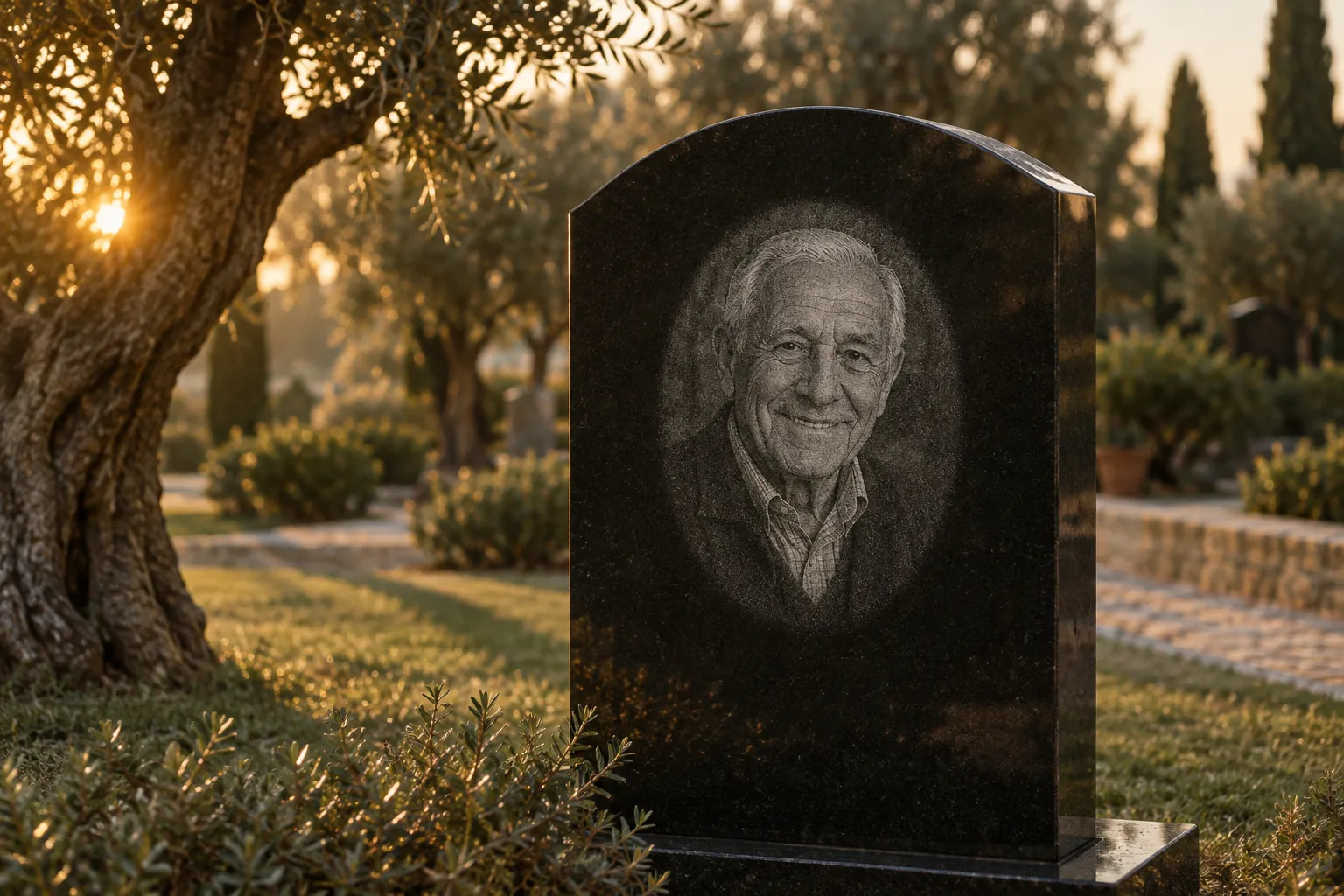
Every face, faithfully kept in stone.
Prepare a portrait